
 16 July 2026
 Share
Share
1
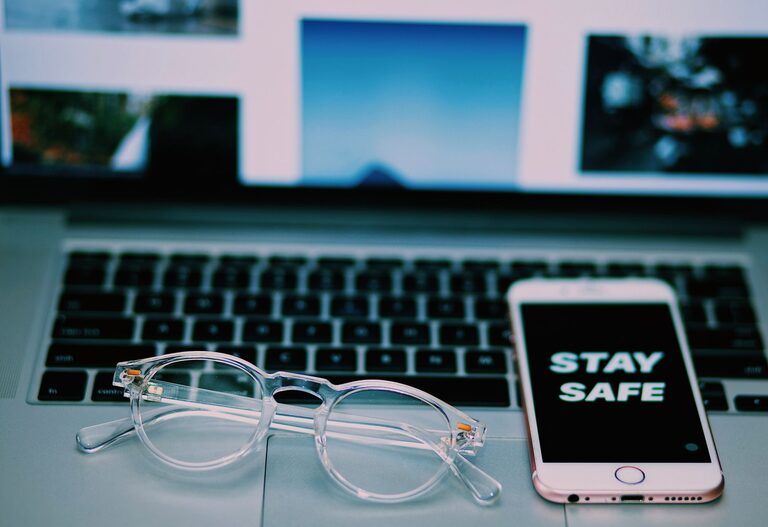
Keeping your phone and keyboard clean is essential not only for hygiene but also for maintaining the longevity of your devices. Both items accumulate dirt, oils, and germs over time, which can affect their performance and your health. However, cleaning them improperly can cause damage. This guide will walk you through safe and effective ways to clean your phone and keyboard, ensuring they stay in great condition.
Phones and keyboards are among the most frequently touched objects we use daily. Our hands transfer oils, dirt, and bacteria, which build up on these devices. This buildup can cause sticky keys, smudged screens, or even contribute to the spread of germs.
Regular cleaning helps:
– Reduce germs and bacteria buildup
– Improve device responsiveness
– Maintain a polished appearance
– Extend device lifespan
Before starting, keep these important tips in mind:
– Always turn off your device before cleaning.
– Disconnect keyboards from power or computers.
– Avoid using harsh chemicals like bleach or ammonia.
– Use gentle cleaning materials to prevent scratches.
– Don’t spray liquids directly onto devices; instead, apply to cloths first.
– Microfiber cloth (lint-free)
– Distilled water
– Isopropyl alcohol (70% or less)
– Cotton swabs
– Small soft brush (optional)
– Air blower or compressed air (optional)
– Do not soak the cloth; it should only be slightly damp.
– Avoid window cleaners, household cleaners, or bleach.
– Avoid excess moisture near openings.
– Never use abrasive cloths or paper towels.
– Avoid ultrasonic cleaners or dips in liquids.
– Microfiber cloth
– Mild dish soap
– Isopropyl alcohol (70% or less)
– Compressed air can
– Soft brush (small paintbrush or toothbrush)
– Cotton swabs or foam swabs
#### Surface Cleaning
#### Deep Cleaning (Mechanical Keyboards or Removable Keycaps)
If you have a mechanical keyboard or one with removable keycaps:
– Avoid spraying liquids directly onto the keyboard.
– Use minimal moisture to prevent damage to circuits.
– Do not immerse your entire keyboard unless it is specifically designed to be waterproof.
– Wash your hands regularly before using devices.
– Avoid eating over your keyboard or phone.
– Use protective cases and keyboard covers when possible.
– Clean your devices regularly — weekly or at least monthly depending on use.
– Carry disinfectant wipes for quick cleaning on the go (make sure they are safe for electronics).
—
By following these simple steps, you can keep your phone and keyboard clean without causing any damage. Regular maintenance helps ensure your devices stay hygienic and function smoothly for years to come.
